

Hand Taffy an errand
An errand is a job that spans a few web pages: compare two listings, pull the times out of a recipe, find a price. This is one errand, captured on a phone from the request to the result.

One errand, three screens
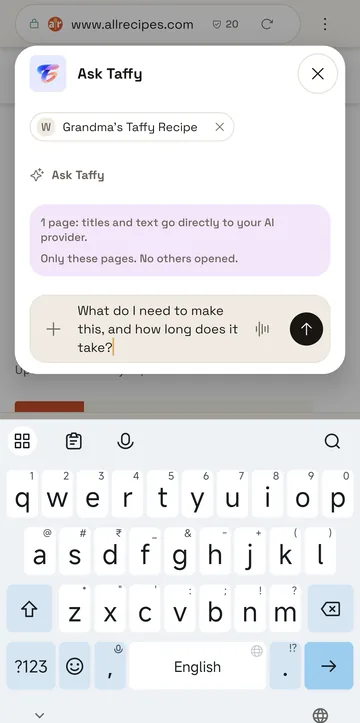
Say what you want
Type the request in Ask Taffy and attach the pages Taffy may read. The panel says that those pages' titles and text go directly to your AI provider, and that no other pages are opened.
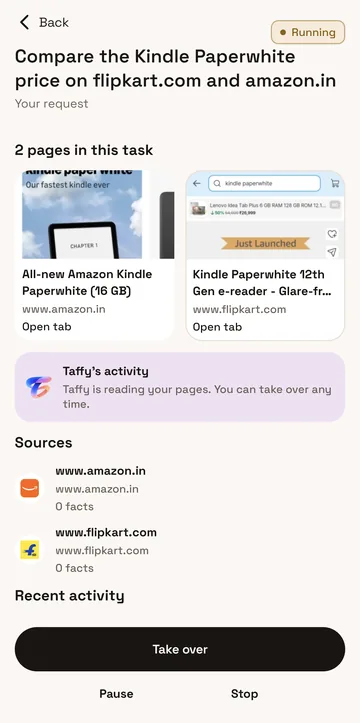
Watch it work
Taffy opens the pages in its own tabs and writes down what it is doing in plain words. Take over, Pause and Stop stay at the bottom the whole time.
Read the result
The answer comes first, then what each page said, with its source. When a page left something out, the result is marked Partly done. Save it as a workspace, or put it away.

Try it on your phone
TaffyGo is free, with no account to make.

Both are free. The APK comes from GitHub Releases.