The bottom row
Back, forward, Ask Taffy and your tabs sit in one row at the bottom of every page. Ask Taffy opens as a panel over the page you're on.
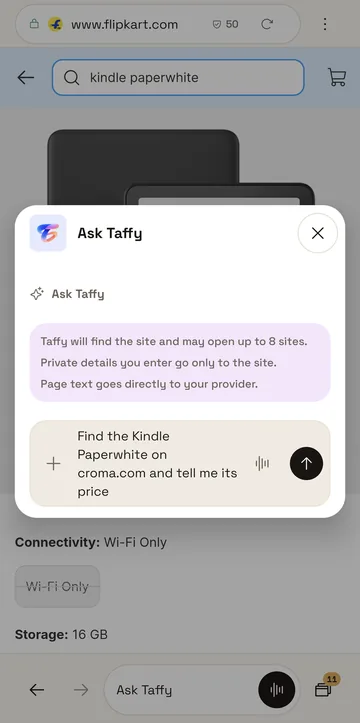
- Back and forward.
- Ask Taffy, about this page or an errand.
- Your tabs, with the count.


TaffyGo runs on Android phones and nothing else, so every screen is laid out for a phone.
Back, forward, Ask Taffy and your tabs sit in one row at the bottom of every page. Ask Taffy opens as a panel over the page you're on.
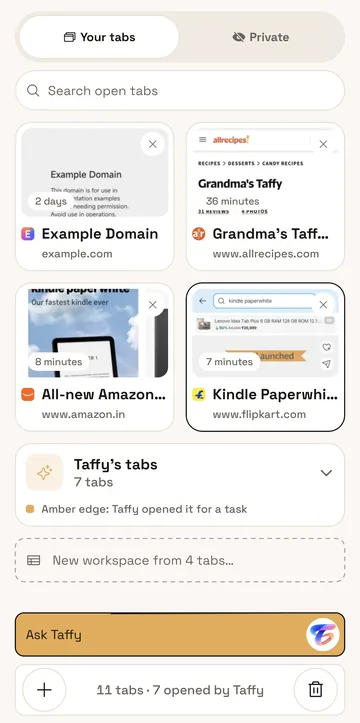
Tabs Taffy opens for an errand are grouped on their own in the tab switcher, and each one has an amber edge. You can turn your open tabs into a workspace from the same screen.
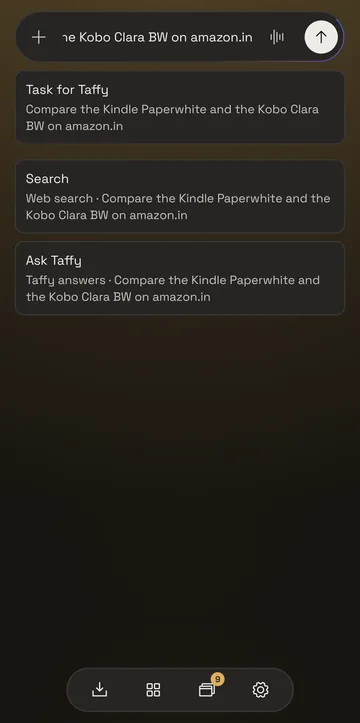
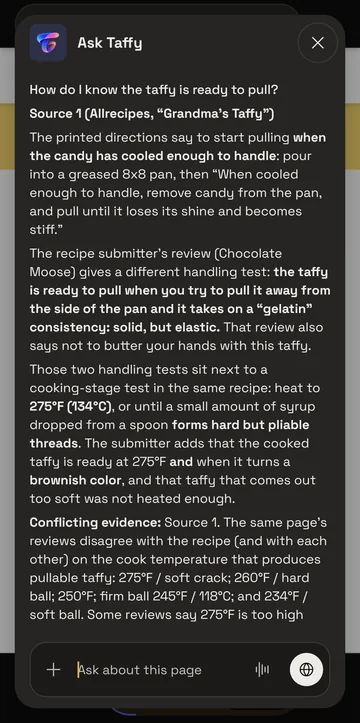
TaffyGo follows your phone's light or dark setting. To choose one for TaffyGo alone, open Settings, then Appearance.
Android 10 or later, on a phone with a 64-bit ARM processor.
Both are free. The APK comes from GitHub Releases.